
One of the most cost-effective choices for a growing business is to move toward the remote work model. Besides reducing costs significantly by getting rid of commercial real estate, utility bills, and physical security maintenance, startups will be able to use their capital for product development and customer acquisition.
Nonetheless, this type of working model can become the greatest asset as well as the weakest point: the removal of the corporate network boundary.
Cybersecurity in traditional offices usually means a team making the workplace “a literal wall” of security – through enterprise-class hardware firewalls, the use of badges for access, and monitoring of local area networks (LANs). The situation is quite different when it comes to remote work: there is no such corporate perimeter here and it consists of numerous home routers, public coffee shop Wi-Fi networks, as well as personal mobile devices.
Putting a very big amount of your money into enterprise-grade security solutions may not work for small businesses or startups that are operating with a limited amount of cash. The point is that excellent security does not need an enormous budget. It demands a strategic and a systematic approach. This guide outlines in detail a comprehensive budget-friendly remote cybersecurity checklist for you to protect your distributed team economically.
The True Cost of Remote Vulnerabilities
Some owners of small businesses think that cybercriminals will not have an interest in targeting them. Unfortunately, these criminals have no such limitations. In fact, there are bots scanning the web all the time looking for vulnerable RDP ports open to remote connections (Remote Desktop Protocol) , unpatched software and weaknesses of home routers. A small company is a perfect target if someone does not want to take any risks and is looking to deploy ransomware or steal valuable data.
By implementing the following checklist, you guarantee that your remote infrastructure becomes an asset rather than a burden.
[Phase 1: Identity & Access] ➔ [Phase 2: Endpoint Defense] ➔ [Phase 3: Network Hardening] ➔ [Phase 4: Low-Cost Training]
Phase 1: Identity and Access (The Zero-Cost Pillars)
The majority of data breaches are not due to advanced computer security attacks, but simply an attacker who guessed or bought a legitimate username and password combination. Protecting your team’s digital identity is the biggest and a completely free security enhancement that you can perform.
1. Enforce a Strict Multi-Factor Authentication (MFA) Mandate
MFA is by far the most effective security measure. Even if a hacker manages to discover an employee’s password he will not be able to gain access without the second verification token.
- Potential Solution: Implement MFA on every corporate platform (Google Workspace, Slack, Zoom, GitHub and accounting software).
- Budget Tip: Initially, instead of going for expensive physical hardware keys use free authenticator apps (like for instance, GoogleAuthenticator, Microsoft Authenticator). SMS-based verification codes are very vulnerable to SIM-swapping attacks and hence they have to be avoided.
2. Implement a Centralized Password Manager
It is highly unlikely that employees can remember a large number of passwords which are unique and strong at every occasion. Consequently, one of the worst security behaviors would be password sharing. If an employee uses the same password for their personal social media and corporate email, then a breach on the social platform instantly opens up all your business accounts to the public.
- Action: Have all the members of the team work remotely use one single password manager which is safe to generate, store, and share credentials.
- Budget Tip: Go for open-source or very cheap group-sharing password lockers. e.g., Bitwarden. It offers highly secure, encrypted password vault services for small teams at a price that is significantly lower compared to enterprise-class ones.
Phase 2: Securing Your Remote Devices (Endpoint Security)
Devices that physically come in contact with your business network such as computers, laptops, and smartphones are referred to as “endpoints.” In this remote work environment, it is very important to shield such devices against malware and physical unauthorised access.
Enforce Full Disk Encryption (FDE): Zero Cost
If a remote worker loses their laptop by having it stolen, FDE would still make the file inaccessible without the decryption key. To do this, it will be necessary to enable the built-in Windows bitlocker on Windows Pro or the built-in macOS Filevault across all company-owned or personal devices that are used for work.
Deploy Next-Gen Antivirus (NGAV): Under $5/mo per user
Standard legacy antivirus software depends upon the comparison of virus code or “signatures” databases with that of the suspected malware files for a match in order to find out if they are viruses or not. New hacker threats go undetected by the antivirus software, since a completely brand new threat will not match signatures. Therefore the use of low-budget, cloud-managed endpoint protection solutions such as SentinelOne or Microsoft Defender for Businesses that actively monitor and block malicious behaviour in real-time is highly suggested.
Enforce Automatic OS & Software Patching: Free
There is active exploitation of vulnerabilities hackers that are publicly documented and accessible. The release of updates by developers would mean that such security holes are filled. Setting up employee laptops to update operating system and browser automatically overnight will be the way to ensure that the updates are not missed. For the patch management procedure, you can refer to CISA Secure Software Configurations for detailed instructions.
Phase3: Securing Home Networks on-the-cheap
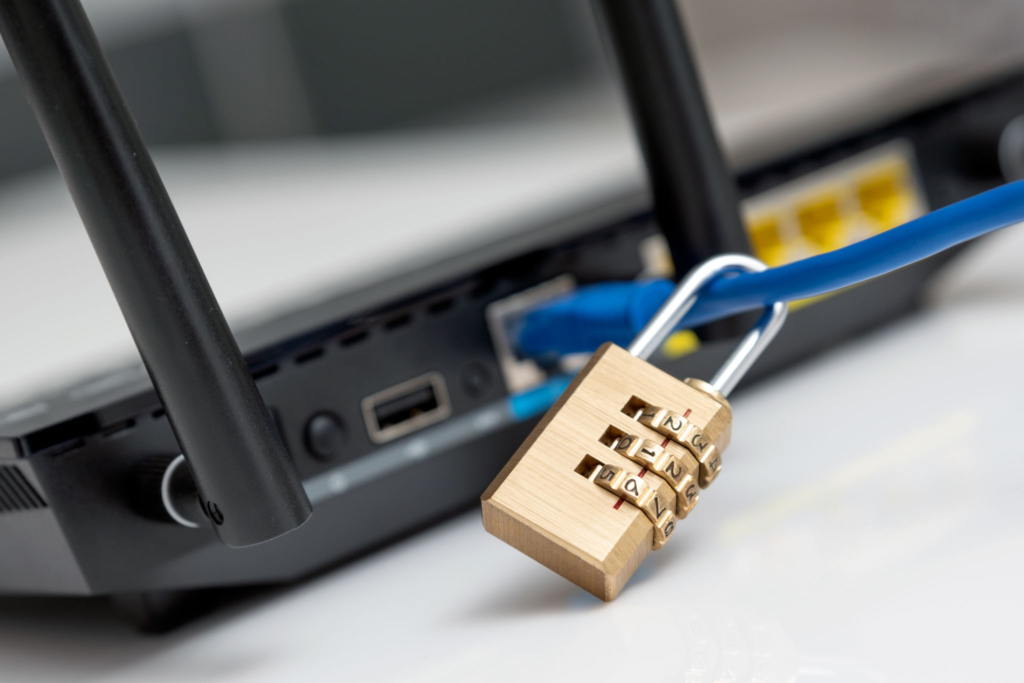
An individual’s remote computer is a part of home network. This network is usually shared with many smart TVs, gaming consoles, unsecured IoT (Internet of Things) devices. Securing the transport layer of data is mandatory.
1. Hardening the Home Wi-Fi Router
Most employees set up their home internet routers years ago and have never updated the default settings. This leaves their local network highly vulnerable to local domain hijacking and traffic sniffing.
- Action: Provide your team with a simple, 5-minute guide on router hygiene.
- The Checklist:
- Change the default router administrator password.
- Ensure the wireless security protocol is set to WPA3 (or WPA2-AES as a fallback).
- Disable Universal Plug and Play (UPnP) and Remote Management settings to prevent external attackers from scanning local network ports.
2. Use Lightweight, Affordable Encryption (VPNs)
The data traffic of remote staff who operate from public areas like cafés, airports, and hotels is susceptible to local network interceptions.
- Enforcemnet: It is mandatory to use Virtual Private Network (VPN) whenever they connect to internet from a home network that is not considered secure.
- Budget Tip: Instead of setting up high-cost dedicated hardware VPN servers, use a trusted cloud-based business VPN service or set up a secure, open-source VPN tunnel with WireGuard protocol configurations. (The latter requires some know-how).
Phase 4: Setting Up an Inclusive, Budget-Friendly Security Culture
The absolute strongest firewall is a well-trained human brain. If your remote team learns how to identify and report deceptive communication attempts, your overall security posture increases exponentially.
| Security Initiative | Cost | Actionable Step |
| Phishing Education | Free | Conduct informal monthly reviews of recent phishing templates. Use resources like the NIST Phishing Awareness Guide to show your team exactly what indicators to look out for. |
| Clear Escalation Paths | Free | Create a dedicated Slack channel (e.g., #security-alert) where employees can drop screenshots of suspicious emails or messages for quick review by team leads. |
| No-Blame Policy | Free | Establish a cultural rule that if an employee accidentally clicks a malicious link, they will not face punitive action if they report it immediately. |
Budget-Minded Cyber Threat Reaction Guidelines
Even if your company has well-advanced defense strategies, there are still chances that things can go wrong. A quick, well-documented response plan avoids panic and significantly decreases the risk of a massive data loss when cyber breach occurs.
[Device Isolation] ➔ [Credential Revocation] ➔ [API Log Audit] ➔ [Back up From Offline]
- Cut Off the Network Immediately: Once a worker notices a device has gone off the rails or suspects there is a virus they should shut off their own Wi-Fi and go offline. This denies malware the chance to communicate with hackers.
- Clear Session Tokens: Administrators should at once access the corporate cloud directory (like Google Admin Console) and terminate the affected individual’s sessions while forcing them to reset their passwords.
- Restore From Verified Backups: Rather than relying on a cheap budget to clean a very infected computer, you can wipe the local hard drive and restore the files from trusted clean copies stored in your cloud service.
Conclusion:
Cybersecurity doesn’t necessarily cost a lot of money even for the best remote teams. Moreover, several companies buy complicated security software only to leave a lot of security loopholes open because they set it up incorrectly.
What makes for a real secure environment is actually the daily discipline of some basic steps including turning on multi-factor authentication, keeping password hygiene strong by not reusing passwords, keeping software and operating systems on your computers updated automatically, and having a trained team that can notice when something is fishy. By gradually adopting the budget-friendly remote team security tips mentioned in this post, your company will be on its way to being both safe and trusted digitally.
FAQ
Can employees use personal laptops for remote work (BYOD) without sacrificing company security?
In fact, you can do so safely on a budget but you must be very strict about your BYOD guidelines. The very least requirement is personal devices used for work must have Full Disk Encryption (BitLocker/FileVault) turned on, set up automatic updates for operating systems, and running antivirus software approved by the company.
Can free antivirus programs really be enough for a business team?
Even though personal antivirus products offer good basic security, they do not have centralized dashboards for managing them.
Therefore, if the business has a mobile workforce, it’s best to go for a cheap, managed endpoint protection solution (usually costing less than 5 dollars a month per user) so that remote laptops are checked to see that they have protection enabled.
Why are SMS-based 2FA codes considered unsafe?
SMS-based two-factor authentication codes are sent by your network provider to your phone number. A cybercriminal could carry out a “SIM-swapping” attack to convince the network provider to hand the phone number over to them, then they are able to get the verification codes that were supposed to go to your phone.
An authenticator app does not require the use of the networks of the communication companies to function. The codes they generate are created on the hardware of your device and thus are very resistant against any interception via the network.